
ID = Je nach Report
Das Report-Panel im ILP ermöglicht Nutzern den effizienten Zugriff auf und die Verwaltung von Reports.
Panel-Einstellungen
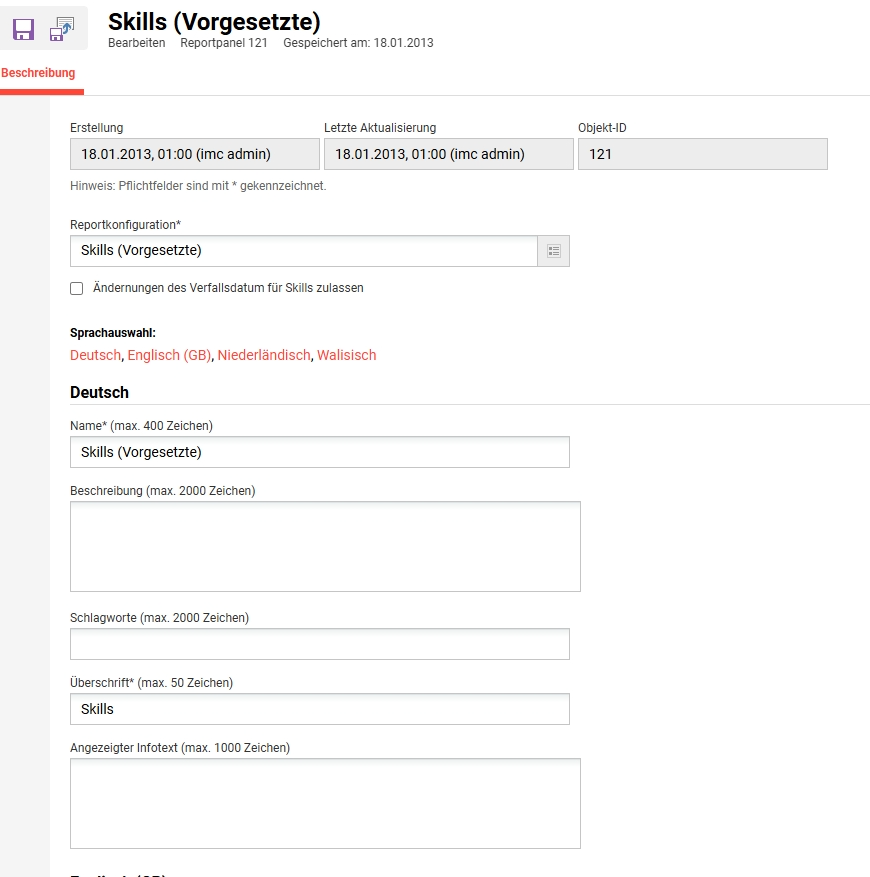
Die im Report-Panel angezeigten Standardspalten und -filter werden durch die referenzierten Nutzerlisten und Metatag-Listen bestimmt, sodass Nutzer eine auf ihre Präferenzen und Bedürfnisse zugeschnittene Erfahrung erhalten.
Nutzer können alle Reports, auf die sie Zugriff haben, filtern, sortieren und herunterladen.
-20260422-084914.png?cb=3a8eb483e11e7402e2f5e46958c90098)
Verwandte Funktionen