
ID=105
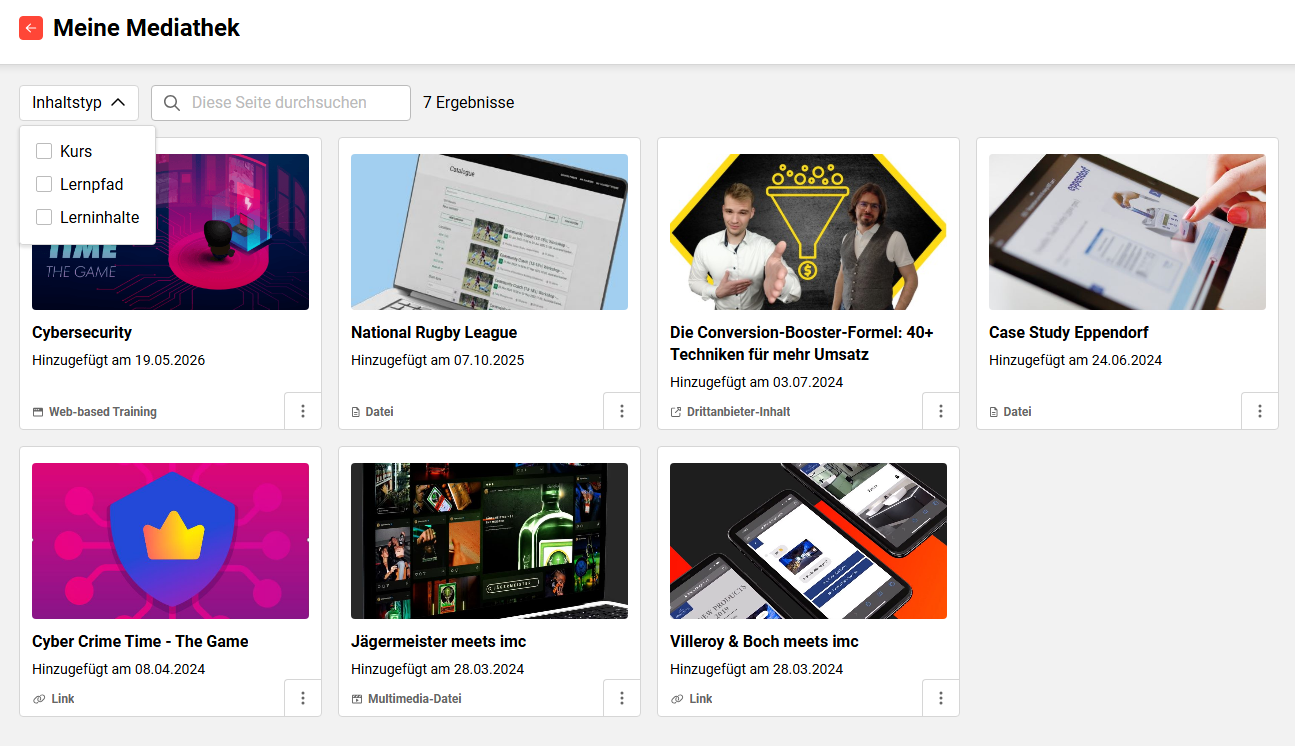
Das Mediathekpanel zeigt Lerninhalte, Kurse und Lernpfade, die der Lerner seiner Mediathek hinzugefügt hat, oder Lerninhalte, die vom Administrator zur Mediathek des Lernenden hinzugefügt wurden. Es handelt sich um ein System-Panel, das dupliziert und an die Bedürfnisse des Kunden angepasst werden kann.
Konfiguration-Optionen für Administratoren
Panel-Einstellungen
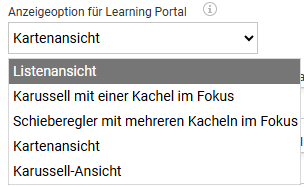
Es stehen drei Ansichten zur Anzeige von Inhalten zur Verfügung: Listenansicht, Karussell mit einer Kachel im Fokus und Kartenansicht.
Mediathek-Panel
Das Mediathekpanel ermöglicht es dem Lerner, verschiedene Aktionen durchzuführen:
-
Alle favorisierten Objekte anzeigen
-
Elemente aus der Liste entfernen
-
Klicken Sie auf die Objekt, um zu deren Detailseite zu gelangen.
-20260422-074814.png?cb=4fa557de03533f9cd07cfed9ceeeafba)
Anzeigeoptionen für Lernportal
Listenansicht:
-20260422-074850.jpeg?cb=362084c91183643a61ba30ad2184294d)
Karussellansicht:
-20260422-074923.jpeg?cb=e611f4b70ea73a8306ebdb2237e3d897)
Kartenansicht:
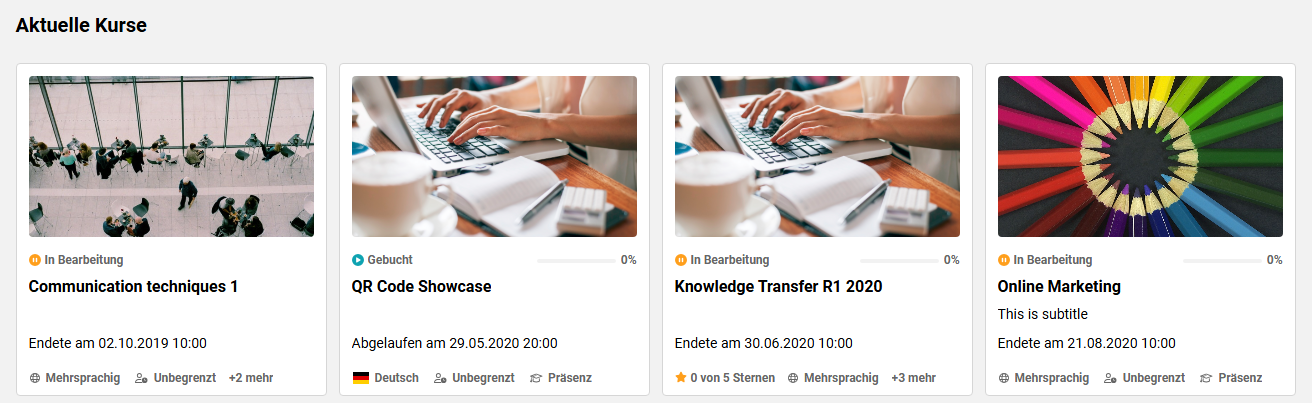
Alle Seiten anzeigen:
Verwandte Funktionen